
From your content export or your group's accessibility dashboard, find a link to a specific File content type that needs archived and follow these steps.
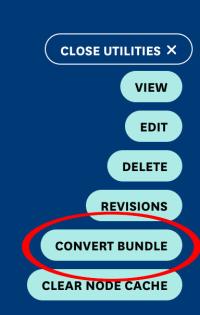
To convert a File to a File Archive, click on the Open Utilities.

Select Convert Bundle.
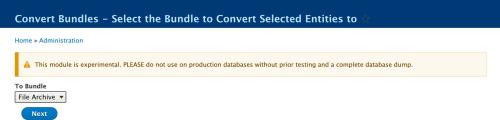
Confirm that the convert option says File Archive then click Next.
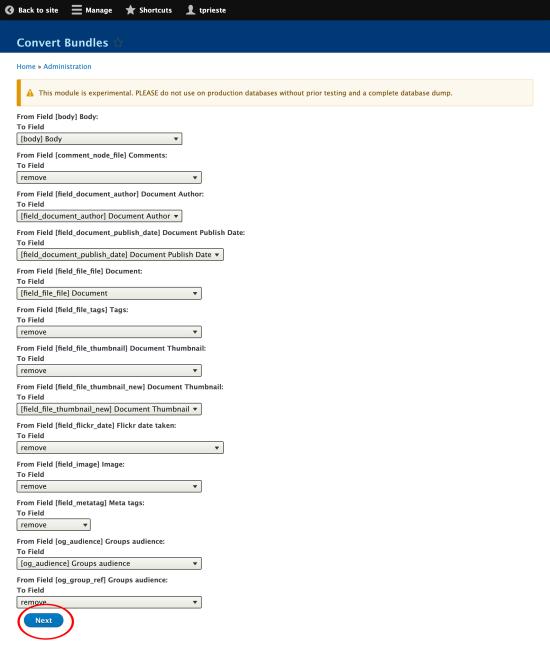
On the next screen, scroll past the field mapping section. All relevant fields should be mapped correctly by default. Click Next at the bottom of the page.
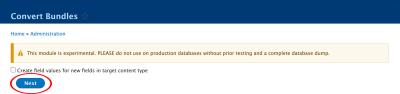
Do not check the box to create values where there were no values on the previous File. Click Next again.
Confirm that you would like to start the conversion to the File Archive content type. Click Next a final time.
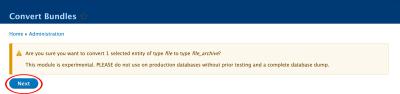
Once the initialization screen appears, you may close or navigate away from the page. The process will finish before the status bar updates so you do not need to wait for the page to finish updating.

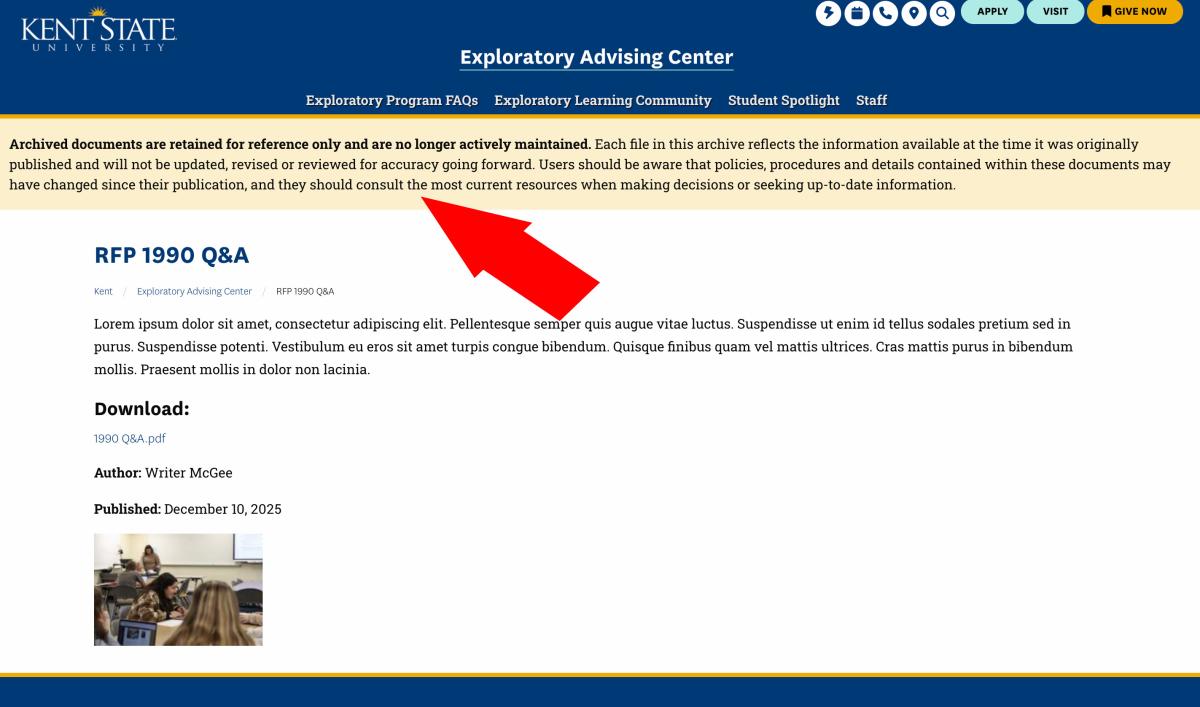
After a few minutes, if you return to the node URL, you will see that the conversion has taken place and that the File Archive message is now on the page.
- After conversion, the file's URL structure has changed 鈥� any existing links pointing to the old file path will now be broken. Update any links you are aware of, such as those in body content, navigation, or other nodes. To catch links you may have missed, use your Siteimprove Quality Assurance report to identify and fix remaining broken links across your site.